
This is the dashboard safety managers run their crews from.
One live view of the whole crew: who's certified, who's in progress, and whose certificate expires next month. Assign courses, print compliance reports, and hand printed login cards to workers who don't use email.
New here? Learn how team training works →
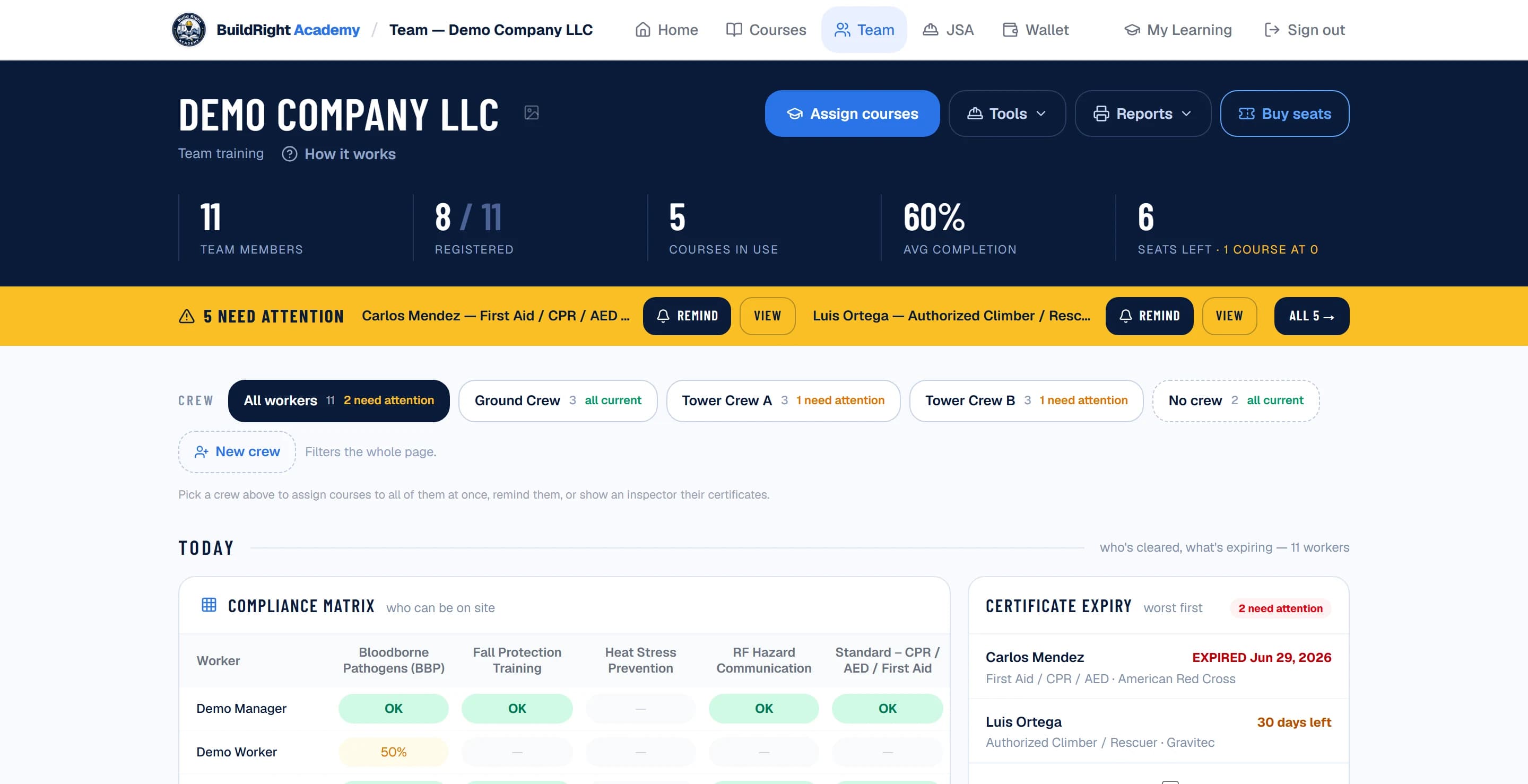
Crews
Group workers into crews — pick one and the roster, progress and expiring certificates narrow to it.
Compliance matrix
Who can be on site, at a glance: green certified, amber in progress or expiring, red missing.
Certificate expiry alerts
Expired and expiring-within-60-days certificates surface automatically — ours and any other provider’s.
Prepaid seats
Buy course seats at volume prices and hand them out as workers need them.
Printable reports
Print-ready compliance report for GC site packages, plus CSV export and a QR certificate page for inspectors.
Login cards for field crews
Workers without email sign in with a username and password from a printed card — no inbox needed.
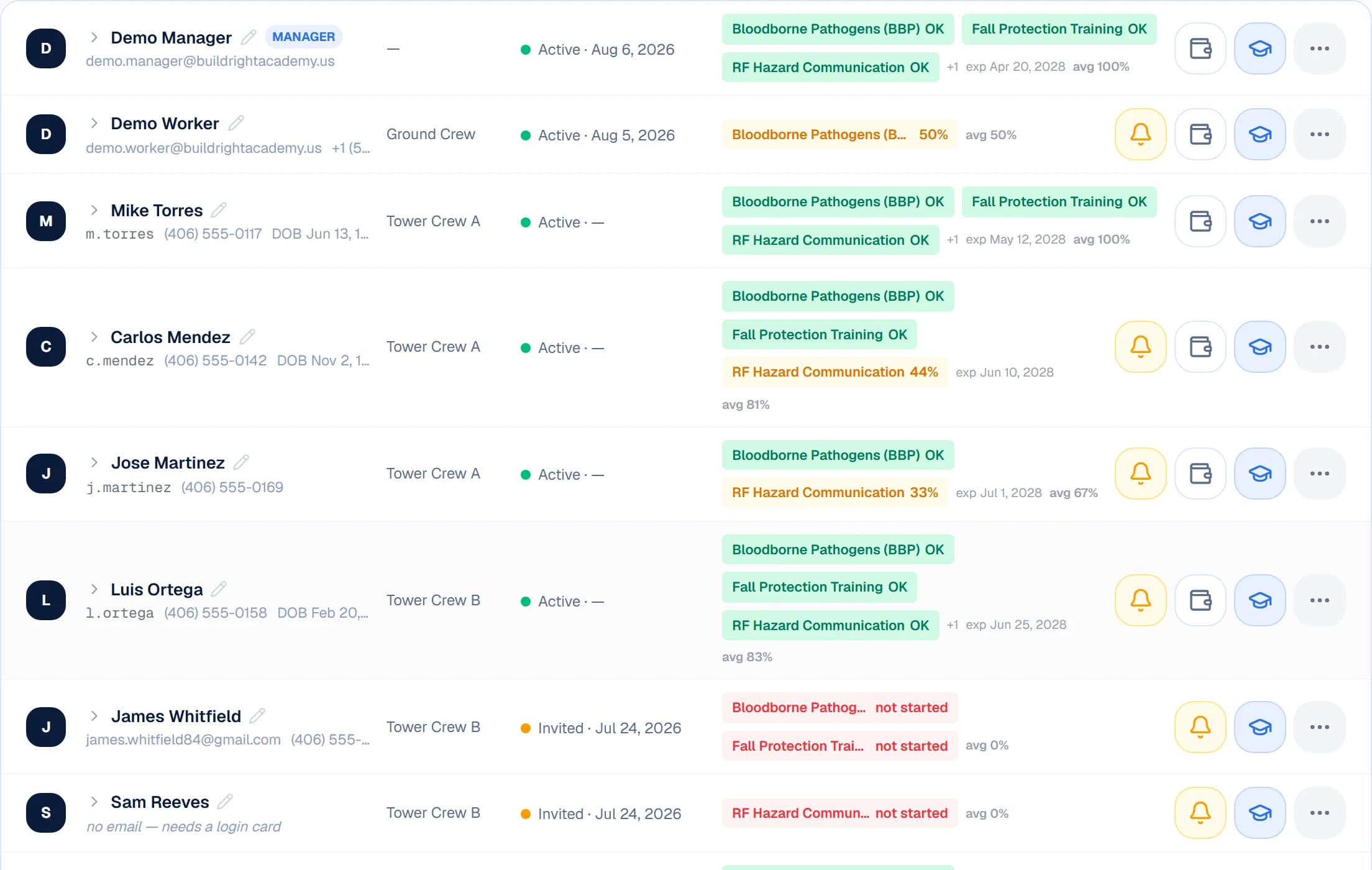
Every worker's courses, certificates and login in one row — including printed-card logins for crews without email.
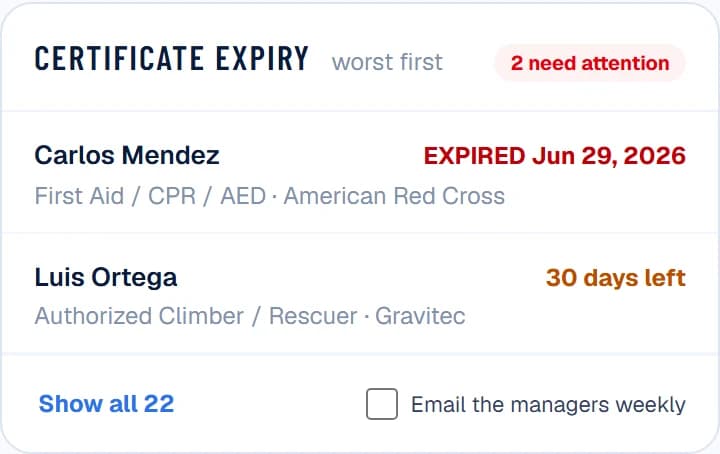
Expiry tracking watches every certificate — including Comtrain, Gravitec and other third-party cards your crew already holds.
Set yours up in minutes.
Create the team, paste your roster, assign courses — workers start training the same day. Volume discounts from 5 seats.